
I have owned my controller since 2019 and have not encountered any significant problems until this spring. I am uncertain whether an application update or some other modification has caused a new issue. I have not altered my WiFi network, so I am unsure of the cause. The device consistently freezes on the second light each day, necessitating a manual reset of the controller to restore the connection. This situation is extremely frustrating, especially when I am traveling and unable to monitor the status of my controller. Any thoughts or suggestions welcome.
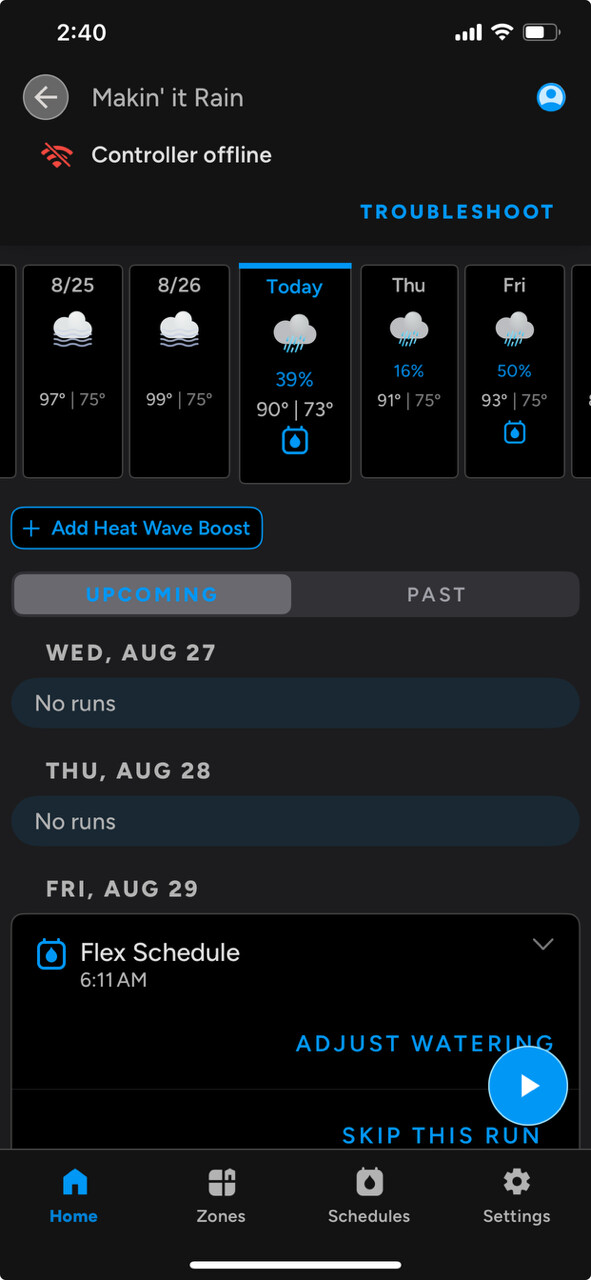
@gaustin - can you describe your WiFi environment? Does the networking equipment get updates automatically from the manufacturer?
That’s the same problem I was having. It was caused by a neighbors router using the same 2.4ghz channel and being much closer to my controller than my router. I RF shielded my controller and changed the channel on my router. Been solid all summer. RF shielding fixed offline problem
Thanks @millie I will take a look at this. Seems plausible since I see this messages like it’s connected to an unnamed WiFi network.

@DLane, most likely, I have Xfinity. Admittedly this isn’t my strong suit. I do have both a 2.4ghz network and a 5ghz network setup.
Personally, I like IoT things on 2.4. Most need very little bandwidth, and 2.4 has a better, longer, more stable range, but lower speed potential. That longer range can cause signal interference with neighboring AP’s. Newer more powerful radios are blasting out incredibly strong signals to allow a single AP to cover a whole house, but that sometimes just clogs up the airways.
There are a number of wifi analyzer apps you can download to check the congestion in the airways, and like @millie said, change the channel on your 2.4 to one of the less congested channels.
Well, first thing you would want to do is run the app and do a scan. Depending on the app, you can usually break down by the 2.4 or 5ghz channel. Each app might display things differently, but it will show what channels are being used. I’m at my office, so I don’t have a ton of chatter in the air, but there is some…based on this, you can see the middle channels are most congested.
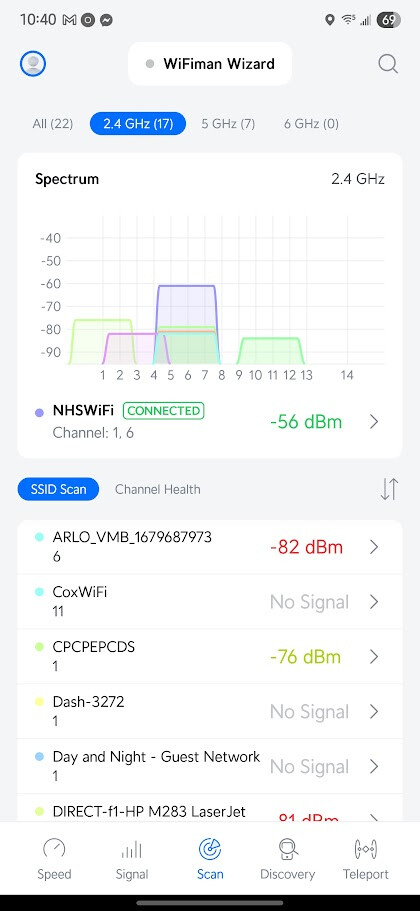
Again, I don’t have a ton of congestion, so I have my radio channels set to auto, but I could look to move to channel 11 to avoid that middle channel congestion. You can do that within the router settings on any router.
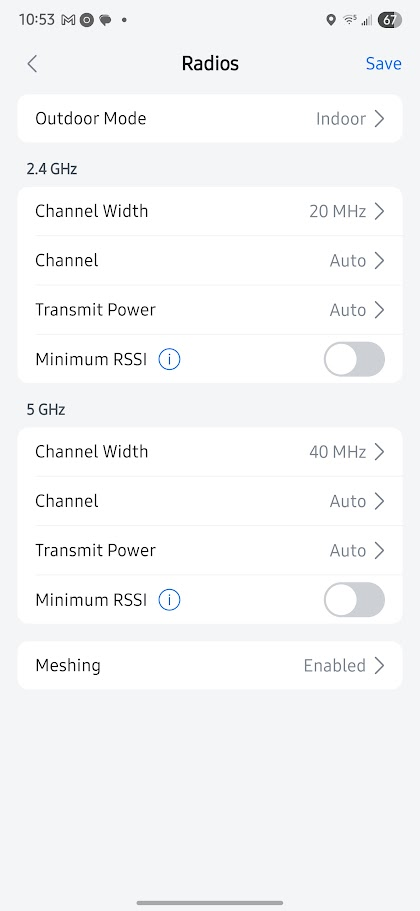
My router has a channel scan feature. One uses this to scan the environment and let the router choose its channels. In theory it will select the less used/powerful ones
As others said one can download a phone app that will scan for wifi signals It will provide details so that you can make channel decisions
I have two gen 3 units at a cabin Little wifi nearby from neighbors Power hiccups and internet goes down some The Rachio devices always come back online This leads me towards the OP’s issue is wifi signals strength or channel interference
I was just poking around my wifi settings and found that my router had reverted to channel 1 so as @Piney mentioned, my router ( xfinity ) has some type of autoscan to select channels. Probably each time it boots up. There is an override so I can nail down which channels to use. I may use that in the future. The problem with the auto channel select is that what the router sees as best channel selections can be way different from what a controller 90’ away sees. Bottom line is that the RF shielding has been doing the job of removing interference for some time. The RF shielding will probably only work if the interference is coming from roughly the opposite direction of your router. All I can suggest to @gaustin for a first step is just set the router to channel 11 on the 2.4ghz band and see what happens.
@millie, I changed it to channel 11 but it appears that it toggled back to auto at some point already. I switched it back to 11.
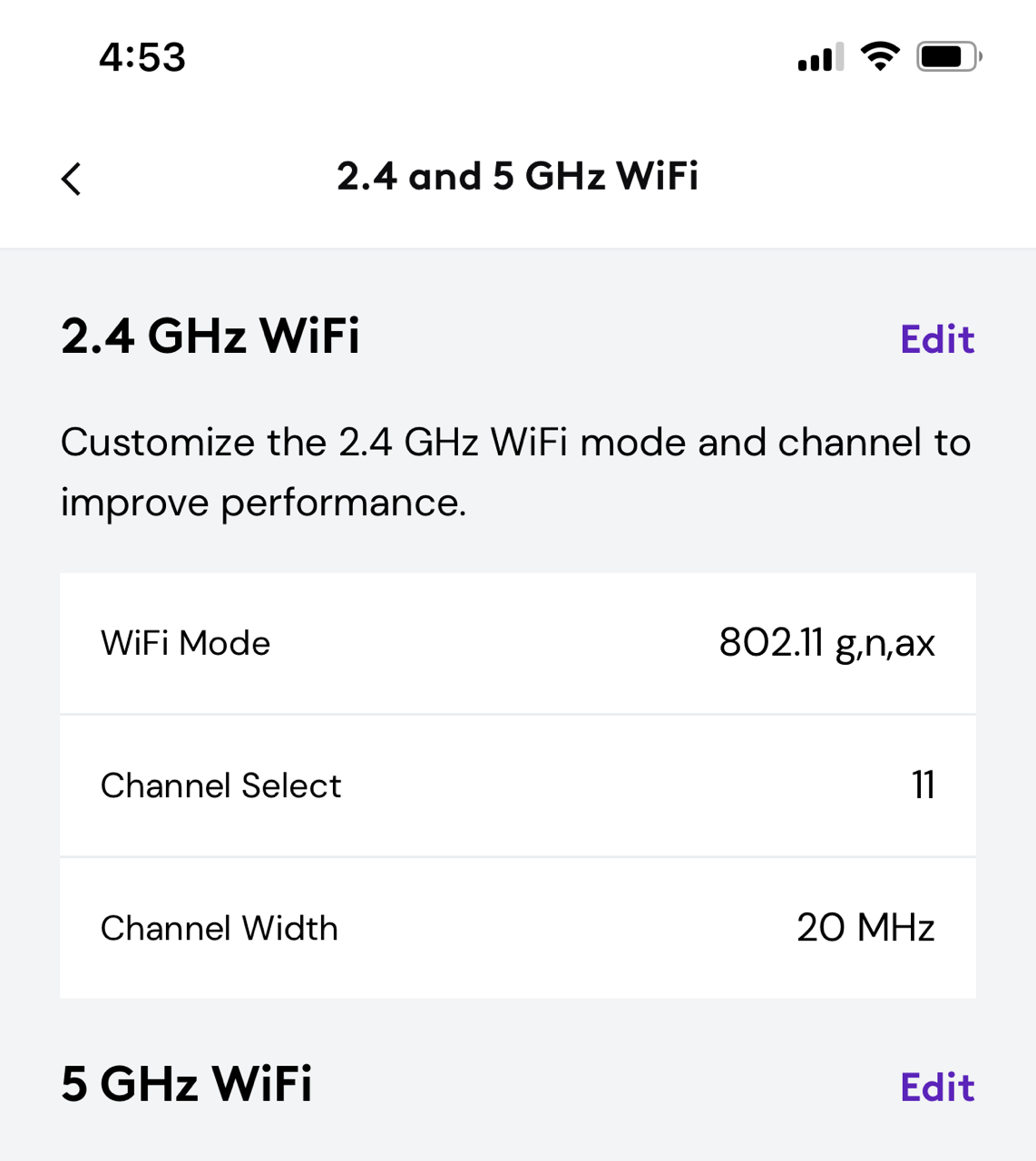
I’m still having the same issue but I know it does connect to the Wifi off and on b/c the rain is updating.

It has run once in the last week when we received rain and it didn’t update before the scheduled run time. Super frustrating when that happens. Also, when I stand next to the controller with my phone I have a steady 2 bars and sometimes 3 on my wifi so the signal strength shouldn’t be an issue.
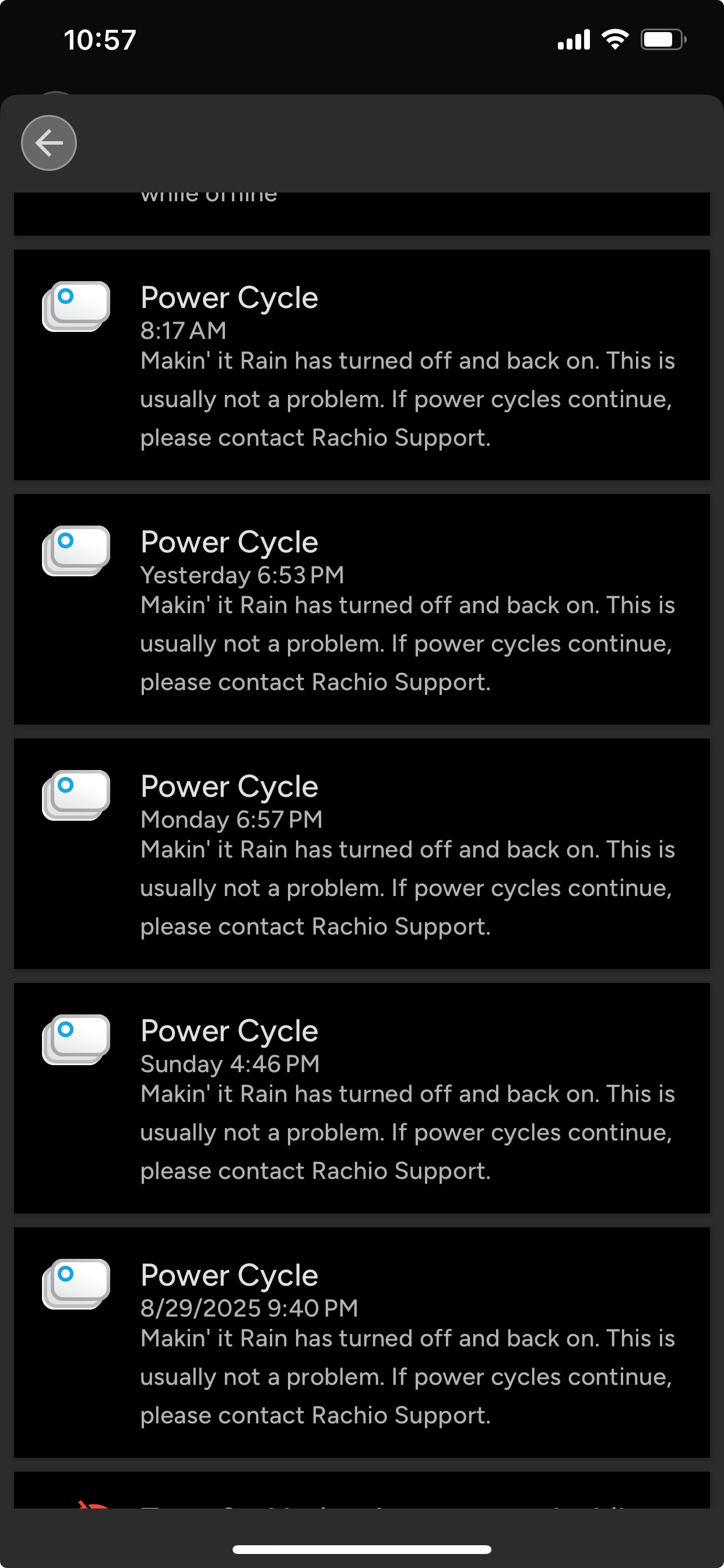
If its any consolation on the wifi issue, I doubt its channel related. My controller disconnects from wifi a lot at random and I’ve done every possible thing to try and fix it over the past few years and it still disconnects. Seems like a poorly performing wifi adapter. Wish they had an ethernet module option.
I would contact support first for that power issue. The power cycling could just be a faulty power supply. You may be in luck, because that is probably what’s causing your wifi problem. If you have a volt meter you could check it to see if its output is what it should be.
Trying to get my system up this spring and I have had endless connection issues. No matter what I do, my Rachio2 won’t hold a connection. And why can’t we just enter a network and password to establish a connection instead of going through the very problematic connection “wizard”?! I have had Rachio since the very earliest days and it has always been rock solid.
ENSHITIFICATION has hit Rachio!